Real Time Send
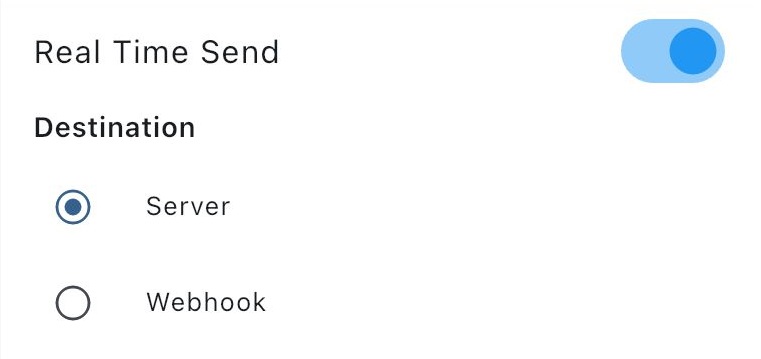
When this option is on, all scans and manual entries are sent to the PC or Webhook in real time. To use Real Time Send, you must have Server or Webhook configured, and the connection method must be set to either Server or Webhook.
Requirement: Server or Webhook must be set up first, and the connection method must be selected as Server or Webhook. Only then can Real Time Send be enabled.