QR Code Pair
Tap QR Code Pair, then scan the QR code shown in the WiScanner Service app on your computer. All connection details are saved automatically and the link to the PC is established—no need to enter IP or port manually.
Steps: Open the WiScanner Service on your PC, tap QR Code Pair in the app, and scan the QR code on the computer screen. The connection is set up automatically.

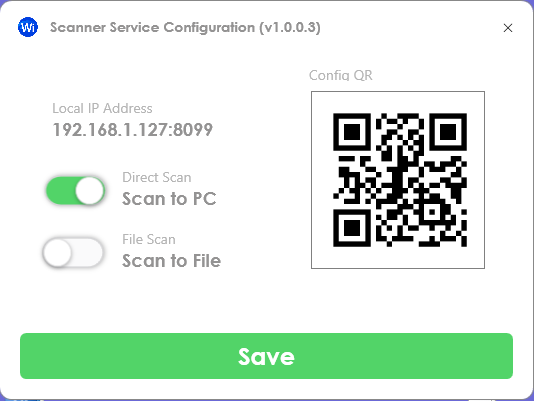
WiScanner Service application on PC